
iOS 17: Key Features and Enhancements You Need to Know
iOS 17: Key Features and Enhancements You Need to Know
iOS 17 has arrived, bringing a variety of exciting features and enhancements for iPhone users. This latest update improves communication tools and introduces new applications that make everyday tasks smoother and more intuitive. From personalized phone calls to updated FaceTime features, iOS 17 aims to elevate the user experience to a new level.

The update also focuses on privacy and security, ensuring users feel safer while using their devices. With options like Stolen Device Protection and sophisticated AI tools, iOS 17 addresses essential concerns in today’s digital landscape. The blend of new functionalities and robust security features makes this update a significant step forward for Apple's iPhone operating system.
Key Takeaways
- iOS 17 offers a range of new communication tools and personalized features.
- Enhanced privacy and security measures are included to protect user data.
- The update introduces applications that improve overall user experience.
iOS 17 Overview
iOS 17 introduces several notable features and enhancements, focusing on user experience and performance. Users can expect improved communication tools, a refreshed interface, and better overall functionality.
Key Features
iOS 17 includes several exciting features that enhance user interactions. One standout addition is AirDrop, which now includes a NameDrop function. This allows users to quickly share contact information by bringing their devices close together.
The StandBy mode provides a new way to view information while charging, displaying time, widgets, and notifications in a full-screen layout. The Messages app gets smarter with check-in features and enhanced search capabilities. Users can also explore a more intuitive Photos app that recognizes pets, making it easier to locate specific images.
User Interface Enhancements
The user interface in iOS 17 has been refined for better usability. Notifications appear more organized and manageable. The lock screen can now display interactive widgets, adding functionality directly from the lock screen.
Additionally, the Messages interface receives updates, allowing users to create stickers from their own photos. This feature promotes creativity and personalization in communication. The focus on visual clarity and simplified navigation enhances overall user engagement.
Performance Improvements
Apple has prioritized performance in iOS 17, ensuring smoother operation across devices. The system is designed to be faster and more responsive, improving app loading times and overall efficiency.
Battery life management is also part of this update, providing users with longer usage times without needing frequent recharges. With enhanced support for newer hardware, devices like the iPhone XR and XS benefit from optimizations that older models do not receive, enhancing user experience significantly.
Security updates ensure that iOS 17 maintains a strong defense against vulnerabilities, keeping personal information safe.
Compatibility and Requirements
When considering iOS 17, it's essential to understand which devices are compatible and what requirements must be met for installation. This information helps users ensure their devices are ready for the upgrade and that they can enjoy all the new features seamlessly.
Supported Devices
iOS 17 is designed for various iPhone models. The following devices are compatible:
- iPhone XR
- iPhone XS
- iPhone XS Max
- iPhone 11
- iPhone 11 Pro
- iPhone 11 Pro Max
- iPhone 12 mini
- iPhone 12
- iPhone 12 Pro
- iPhone 12 Pro Max
- iPhone 13 mini
- iPhone 13
- iPhone 13 Pro
- iPhone 13 Pro Max
- iPhone 14
- iPhone 14 Plus
- iPhone 14 Pro
- iPhone 14 Pro Max
Devices like the iPhone 8, iPhone 8 Plus, and iPhone X are no longer supported, meaning they won't receive the iOS 17 update.
Minimum Storage Requirements
To install iOS 17, users should ensure they have enough storage space. Typically, a user needs at least 3 GB of free storage for a smooth installation process. This amount varies based on the device and what existing apps and content are already installed.
For optimal performance, it’s good practice to free up additional space. Users can delete unused apps, clear cache data, or transfer photos and videos to other storage options.
Other System Requirements
In addition to device compatibility and storage, certain system settings play a role in the iOS 17 installation process. Users must make sure their devices are connected to a reliable Wi-Fi network to download the installation package.
It is also important to have the device's battery charged to at least 50% or to keep it plugged in during the update. This ensures that the installation process does not interrupt due to low battery.
Users should also sign in with their Apple ID and have access to their password, as this may be needed during the update. Keeping the device updated will make the transition to iOS 17 smoother.
Installation and Setup
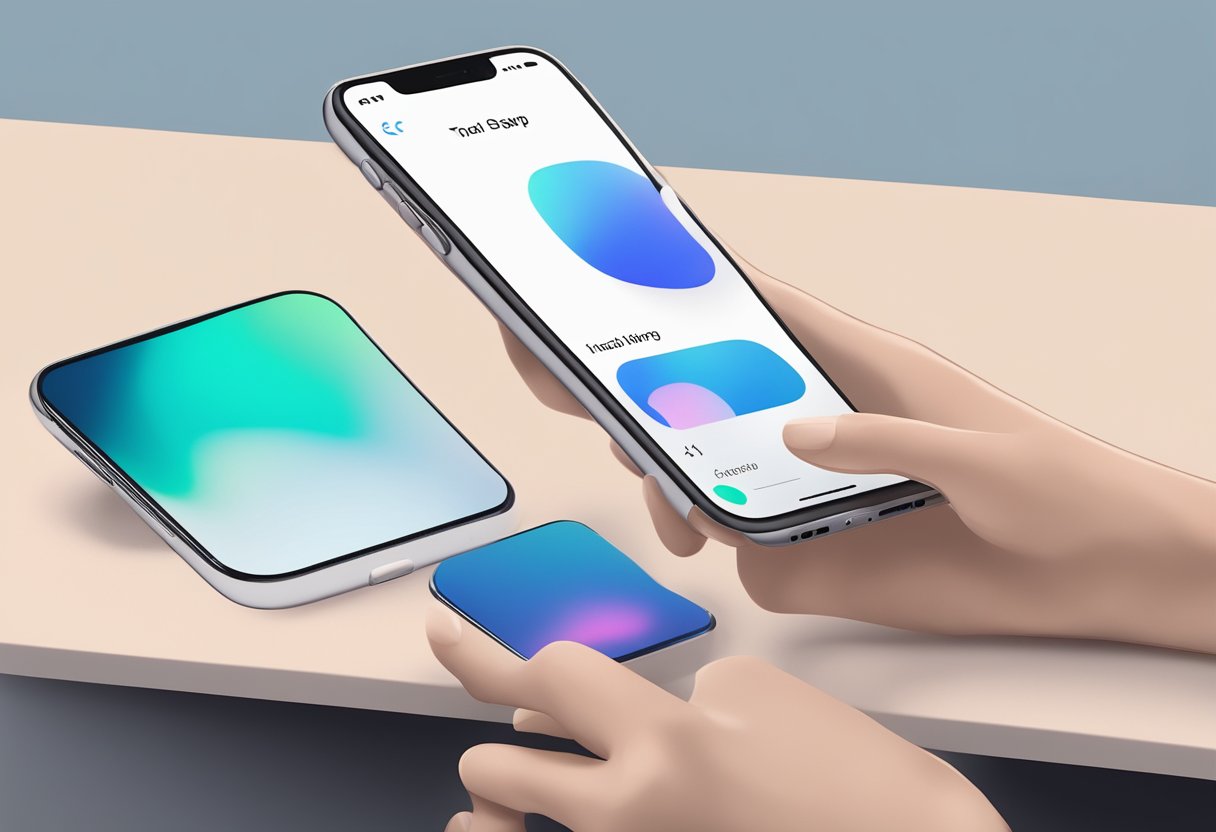
Installing iOS 17 involves a clear process, whether updating from an older version or setting up a new device. Proper preparation can ensure a smooth transition with minimal issues. Here are the essential steps to guide users through the installation and setup.
Updating from an Older Version
To update an existing iPhone to iOS 17, users should first back up their device. They can do this via iCloud or through a computer using iTunes or Finder. Once backed up, they can go to Settings > General > Software Update.
If the update is available, a notification will appear. Users should tap Download and Install. The device must stay connected to Wi-Fi and charged during the process to prevent interruptions.
It's typical for devices with low storage to experience issues, so clearing some space may be necessary. After the download, the device will restart to complete the installation.
Initial Configuration
Once iOS 17 is installed, the device will guide the user through initial configurations. This includes choosing language preferences, connecting to Wi-Fi, and signing into an Apple ID.
Users have the option to set up Face ID or Touch ID for security. They can also customize location services and privacy settings to enhance their experience.
Apple offers a range of accessibility features during this setup, making it easier for users with specific needs. Following the prompts on the screen helps ensure that the device is tailored to individual preferences.
Data Migration and Backup
For users switching from an old device or setting up a new one, data migration is crucial. Apple provides tools like Quick Start, which allows users to transfer data seamlessly from an existing device.
Users should have both devices close together and follow the on-screen instructions. This process includes photos, contacts, and app data.
It's also recommended to use iCloud for backups before migration. This way, users can restore any lost data after the setup. Keeping data backed up minimizes the risk of losing important information during any transition.
Privacy and Security Updates
iOS 17 introduces several important privacy and security updates that enhance user protection. These updates focus on app privacy, data security, and timely security patches, ensuring that users' personal information remains safe.
App Privacy Features
Apple has strengthened app privacy in iOS 17. This update provides users with a clearer view of how apps use their data. New privacy labels now display important information on what data is collected, used, and shared.
A major feature is the Communication Safety tool, which protects young users from harmful content in messages. Additionally, the Check In feature allows users to share their location with trusted contacts. If users go off the grid, their contacts receive notifications, which adds an extra layer of safety.
Another enhancement is Safari's improved Private Browsing. This mode prevents tracking and protects users from unwanted data collection while browsing. These features work together to give users more control and awareness over their app interactions.
Data Protection Enhancements
iOS 17 includes significant updates for data protection. Apple now restricts access to photos and calendar events more effectively. Users can set limits on which apps can access specific data types.
The update also allows users to enable enhanced encryption for sensitive data. This means that personal information will be much harder for unauthorized users to access. In particular, the Lockdown Mode offers extreme measures for users who may be at risk, shielding them from targeted attacks.
Moreover, Live Voicemail lets users screen calls in real-time. If a call appears suspicious, the user can choose to block it, ensuring a higher level of privacy in communication.
Security Patches
Security patches in iOS 17 play a crucial role in keeping devices safe from vulnerabilities. Apple continuously monitors threats and delivers timely updates to fix potential security risks.
The recent updates include fixes for various security issues identified in previous iOS versions. With every update, Apple ensures that user data is protected from emerging threats.
Users are alerted when new updates are available, and they can install them quickly to secure their devices. This proactive approach to security helps users stay protected against malware and other attacks in real-time.
New Applications and Tools
iOS 17 introduces several innovative applications and tools that enhance user experience and developer capabilities. These updates focus on improving communication, creativity, and efficiency.
Built-in Apps
iOS 17 brings meaningful updates to built-in applications that users rely on daily. The Messages app now features Contact Posters, making interactions more personal. Users can customize how they appear when messaging others.
A new sticker experience allows for more expressive communication. Users can send stickers that they create themselves or choose from a variety of options.
The Notes app has gained linking capabilities, enabling users to connect notes for easier access. This is particularly useful for organizing thoughts and projects.
In addition, the Camera app improves QR code scanning, offering a smoother user interface. New leveling tools assist in capturing straight photos and videos.
Developer Tools
Developers receive enhanced tools with iOS 17 to create more advanced applications. One of the notable additions is support for new drawing tools in apps. These include variable width pens and watercolor brushes, allowing for detailed illustrations.
The improved API for Live Voicemail lets developers integrate innovative features into their apps. Users can see voicemail transcriptions in real-time, improving communication efficiency.
Another significant update is the ability for apps to save maps for offline use. This feature enables seamless navigation in areas with limited connectivity.
Developers will also benefit from better diagramming tools, allowing for smoother flowchart creation within applications. Overall, iOS 17 empowers developers to elevate their apps and enhance user engagement.