
Lost iPhone: Essential Steps to Recover Your Device Effectively
Lost iPhone: Essential Steps to Recover Your Device Effectively
Losing an iPhone can be stressful, but there are effective steps one can take to recover it. Using the 'Find My iPhone' feature allows users to locate their device quickly and securely. Knowing what to do immediately can significantly increase the chances of getting the phone back.

In addition to locating a lost iPhone, taking precautionary measures can help prevent loss in the future. Understanding the tools available and how they work gives users an advantage. This knowledge can ease the anxiety associated with a missing device and empower individuals to take control of the situation.
Key Takeaways
- 'Find My iPhone' is an essential tool for locating lost devices.
- Immediate actions can lead to a higher chance of recovery.
- Preventative measures can help avoid future loss.
Understanding 'Find My iPhone'
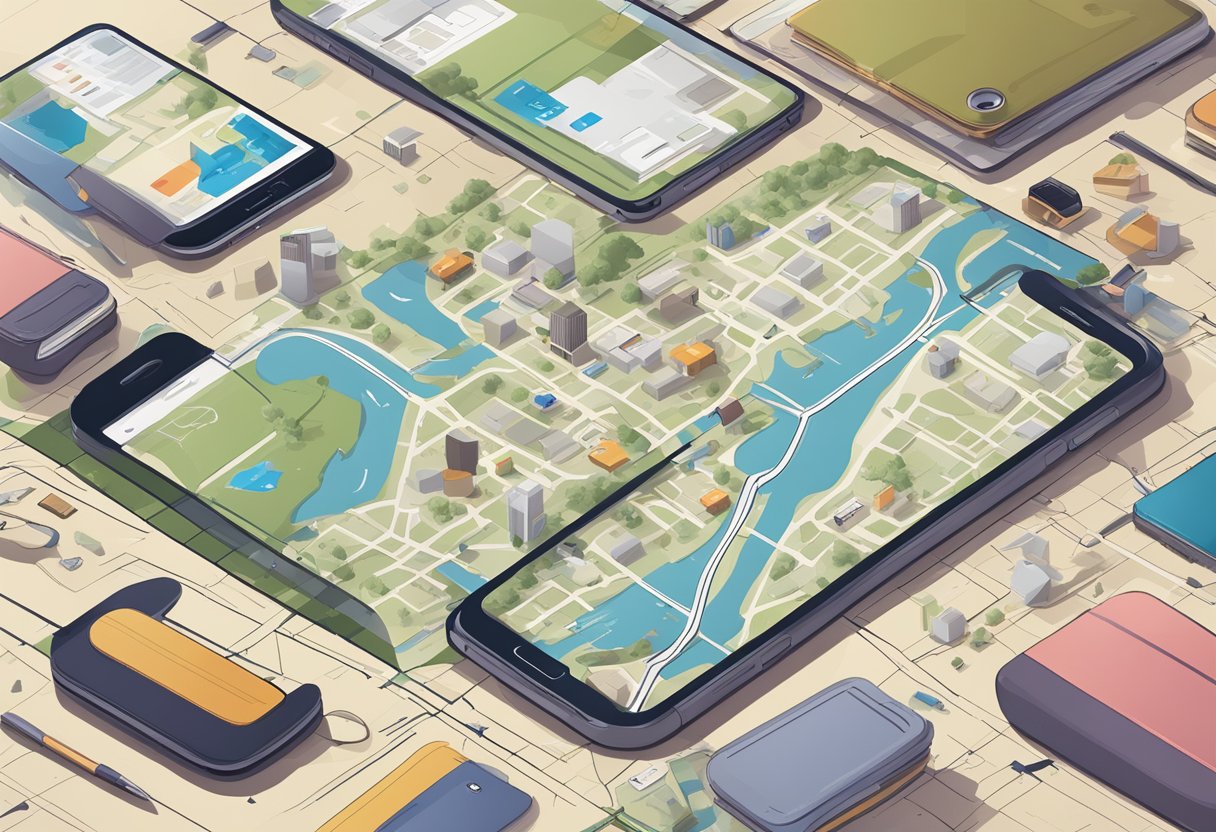
'Find My iPhone' is a powerful tool that helps users locate their lost iPhones quickly. It provides several features for activation and setup, as well as unique capabilities to assist users in tracking their devices.
Activation and Setup
To use 'Find My iPhone', the feature must first be activated on the device. Users can enable it by going to Settings, tapping on their name, and selecting iCloud. From there, they should scroll to Find My iPhone and toggle it on.
It is also essential to turn on Send Last Location, which will send the device’s last known location to Apple when the battery is low. For added security, users should ensure that their Apple ID is secure, as this ID is required to access the service.
If the device is lost, the user can log onto the iCloud website or use the Find My app on another Apple device to track the lost iPhone.
Features and Capabilities
The 'Find My iPhone' service offers multiple features that enhance locating a lost device. Users can view the device’s location on a map, making it easier to find nearby.
Additionally, the Play Sound option allows the user to make the iPhone emit a loud sound, helping to locate it if it's nearby. If the device is not retrievable, users can activate Lost Mode, which locks the device and displays a custom message with contact information on the screen.
There is also the option to erase the device remotely, protecting personal information from unauthorized access. These features make 'Find My iPhone' a vital tool for anyone concerned about their device’s security.
Immediate Actions to Take
When an iPhone is lost, it is crucial to act quickly to secure the device and protect personal data. Several immediate actions can help locate the phone, notify necessary parties, and prevent unauthorized use.
Use 'Find My' App
The first step is to use the "Find My" app on another Apple device. This app allows users to track their lost iPhone's location if it is turned on and connected to the internet.
- Open the Find My app.
- Go to the Devices tab.
- Select the missing iPhone.
If the iPhone is nearby, users can play a sound to help find it. If the device is further away, they can view its last known location on the map. Marking the device as lost is important. This locks the iPhone and displays a custom message with contact information for anyone who may find it.
Accessing 'Find My iPhone' on the Web
If a user does not have access to another Apple device, the "Find My iPhone" feature can also be accessed through the web.
- Go to icloud.com and sign in with the Apple ID.
- Click on the Find iPhone option.
After logging in, select the device from the top menu. Users can then view its location, send a sound, lock the device, or erase its data. This method is helpful if the user needs to act from a computer rather than a mobile device.
Report to Authorities
If the iPhone is confirmed to be stolen, reporting it to local authorities should be a priority.
Users should provide as much detail as possible, including the phone’s serial number, last known location, and any tracking information from the "Find My" app. Filing a police report can help in recovery efforts and might be necessary for insurance claims. It is important to follow up with law enforcement if new information arises.
Inform Your Cellular Carrier
The final step is to contact the user’s cellular carrier. Notifying the carrier can prevent unauthorized usage of the phone and any potential charges.
When contacting the carrier, users should provide their phone number, account information, and details about the loss. The carrier may offer options to suspend service on the stolen device temporarily. In some cases, they can assist in tracking the device or provide additional security measures.
Taking these immediate actions can significantly enhance the chances of recovering a lost iPhone and protect the owner’s personal information.
After Your iPhone is Lost

When someone realizes their iPhone is lost, there are immediate steps to take to enhance the chances of recovery and secure personal data. The following details highlight key actions that can be taken quickly.
Lost Mode Activation
Activating Lost Mode is critical. This feature locks the iPhone and displays a custom message on the screen. To activate Lost Mode, the user should open the Find My app. After selecting the lost device, they can choose "Mark As Lost." This action allows them to input a phone number where they can be reached.
Lost Mode also prevents unauthorized access to sensitive information. The device cannot be used without the passcode. The Find My app will also send a notification once the device is located.
Data Protection Measures
Protecting personal data is essential after losing an iPhone. Users should immediately consider erasing their device remotely. In the Find My app, the option to "Erase This Device" is available. This step deletes all data, making it unrecoverable if the device can't be found.
Users can also change their Apple ID password. This action helps prevent anyone from accessing iCloud data. It also ensures features such as iMessage and FaceTime can’t be misused.
Furthermore, enabling two-factor authentication adds extra security. This measure makes it harder for others to access personal accounts without the user's consent.
Contact Notifications
It's wise to alert local authorities and the carrier about the lost iPhone. Reporting the theft helps track stolen devices and can prevent fraud. Users should provide relevant information, such as the device’s IMEI number.
Many carriers also offer features to assist in tracking lost devices. Some can even disable the device to prevent it from being used on mobile networks. Users should stay vigilant and monitor their accounts for any unusual activity, ensuring their personal information remains secure.
Recovering Your iPhone

Losing an iPhone can be stressful, but there are effective ways to recover it. The process involves tracking the device's location, guidance on how to retrieve it, and actions to take once it is found.
Tracking Your iPhone's Location
To locate a lost iPhone, the owner can use the Find My app. This app allows users to track their device using GPS technology.
- Open the Find My app on another Apple device or visit the Find My iPhone website.
- Sign in with the Apple ID linked to the lost iPhone.
- Select the device from the list. If the iPhone is online, its location will appear on the map.
If the iPhone is offline, the app will display its last known location. The owner can also select "Play Sound" to help locate it if close by.
Guidance on Retrieval
Once the iPhone's location is determined, the next step is retrieval. If the iPhone is in a public place, it may be safe to approach and recover it.
- Consider safety first. If the phone appears in a crowded area, it is wise to wait for the right moment to retrieve it.
- If the iPhone is found in a private location, like a friend's house, contacting the person is essential.
- Mark as Lost. The owner can use the Find My app to mark the phone as lost, displaying a custom message and a contact number for anyone who finds it.
This step also locks the device, providing added security for personal information.
What to Do When Found
When the iPhone is located and retrieved, a few actions are necessary.
- Unlock the device using the passcode. The lost mode must be turned off through the Find My app.
- Check for any suspicious activity, such as unexpected apps or messages that were not previously on the device.
- Strengthen security by updating passwords and enabling features like two-factor authentication.
These steps will help ensure the device remains secure after recovery.
Preventative Measures for the Future
Taking proactive steps can greatly reduce the risk of losing an iPhone. By focusing on strong security practices, regular backups, and exploring insurance options, users can better safeguard their devices.
Strong Security Practices
Implementing strong security practices is vital for protecting an iPhone. Users should enable features like Face ID or Touch ID for quick access while keeping the device secure. Setting a complex passcode, rather than a simple 4-digit option, adds another layer of protection.
Additionally, keeping the operating system updated ensures the latest security features are in place. Users should also activate Find My iPhone. This feature allows the owner to track their device in real-time if it is lost. Regularly changing passwords and using unique combinations for different accounts can also prevent unauthorized access.
Regular Backups
Regularly backing up an iPhone is essential for data protection. Users can back up their devices through iCloud or iTunes. For iCloud, enabling automatic backups allows for seamless updates without manual input. This option offers a safe and reliable way to store important data.
For those who prefer iTunes, connecting the iPhone to a computer can help create backups easily. It’s important to ensure that backups occur frequently, ideally every few weeks, to minimize data loss in case the phone goes missing.
Insurance Options
Considering insurance options is another smart move for iPhone owners. Many providers offer plans that cover loss, theft, and accidental damage. Users should compare policies to find one that suits their needs best.
Apple offers its own AppleCare+, which covers accidental damage and theft for a monthly fee. Third-party insurance providers may offer competitive plans with variations in coverage and pricing. Checking the terms and conditions of each plan is crucial, as coverage can vary significantly.
If Your iPhone Cannot Be Recovered

If an iPhone cannot be recovered, there are several important steps to take. These include erasing the device remotely, claiming any insurance benefits, and exploring replacement options. Each of these actions is crucial for protecting personal data and managing the loss effectively.
Erasing Your iPhone Remotely
If a person is unable to retrieve their lost iPhone, they should erase it remotely. This action prevents unauthorized access to personal information.
To erase the device, they can use the Find My app or log into iCloud. They need to select the lost iPhone and choose "Erase This Device." This will delete all data, including photos and contacts.
Before erasing, it’s important to note that this action is permanent. The person will no longer locate the device once it's erased. Therefore, it’s best to try locating it one last time before proceeding.
Claiming Insurance
Another important step is to determine if the lost iPhone is covered by insurance. Many people have device coverage through mobile carriers, homeowners' insurance, or specialized plans.
To file a claim, the individual should gather relevant documents. This may include proof of purchase, the insurance policy number, and a detailed description of the incident.
After gathering the necessary information, they should contact the insurance provider promptly. Insurance claims often have time limits, and acting quickly increases the chances of approval.
Replacement Options
If recovery efforts fail, it may be time to consider replacing the lost iPhone. There are several options available for getting a new device.
First, a person can check with their mobile carrier for upgrade plans. Many carriers offer options for trading in old devices for discounts on new ones.
Alternatively, one might consider buying a certified refurbished phone. These devices are often less expensive and have been tested for quality.
Lastly, looking into Apple's trade-in program can also be beneficial. This program allows users to receive credit towards a new purchase, making replacement more affordable.